
How 7-Zip password protection works
7-Zip's .7z format encrypts with AES-256, and derives the key by hashing your password with SHA-256 over a
large, configurable number of iterations. That makes each password guess genuinely expensive to test, so 7-Zip is
one of the slower formats to search, by design.
A .7z archive can be protected two ways:
- Data-only: the file names are visible, the contents are encrypted.
- Encrypted file names (header encryption): even the list of contents is hidden until the password is entered.
It reads both kinds and recovers the password for each.
What to expect
Most forgotten 7-Zip passwords are ones a person chose and can still recall something about, and it tests the likeliest candidates first, so short or human-chosen passwords are very recoverable.
Even a long, truly random password on AES-256 gets its best possible chance: a GPU makes a large difference against AES-256, testing far more candidates per second, and the Smart and dictionary methods reach further than a plain search.
Recovery methods
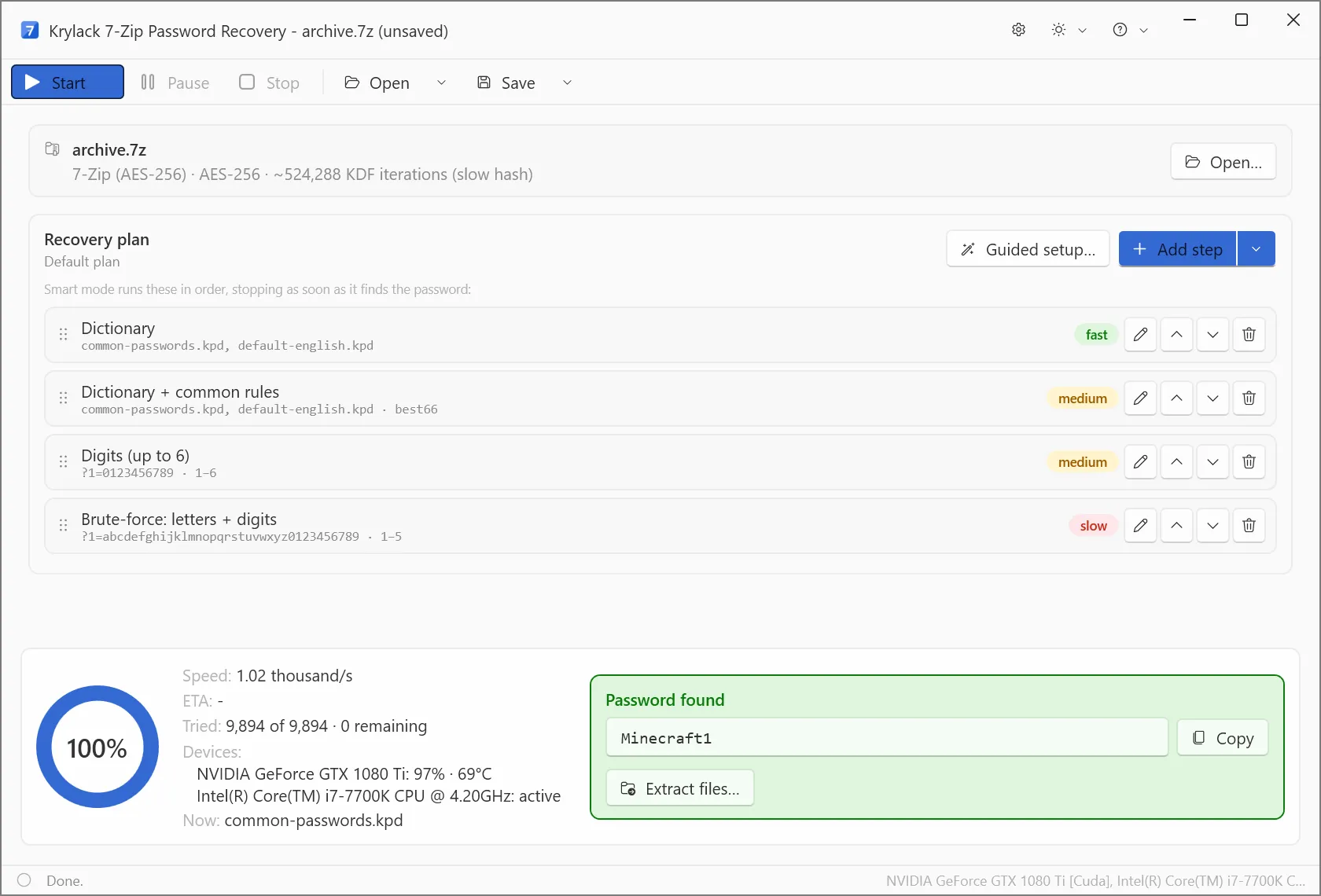
- Dictionary: real words and known password lists, with optional rules.
- Smart: masks and patterns for anything you remember about the password.
- Brute-force: every combination, practical mainly for short passwords given 7-Zip's speed.
Frequently asked
How do I open a .7z I am locked out of?
Open the archive in the app, choose a method, and let it search for your password. Once recovered, use it to extract the archive normally.
My 7-Zip file will not even show its contents. Can you help?
Yes. That is an archive with encrypted file names; the app handles it, and the contents become visible once the password is found.
Can any 7-Zip password be recovered?
Most can. A password someone chose and can recall something about is highly recoverable, and it targets those first. A long, truly random AES-256 password is the hard case for any recovery tool; GPU acceleration and the Smart and dictionary methods give it the best possible chance.