
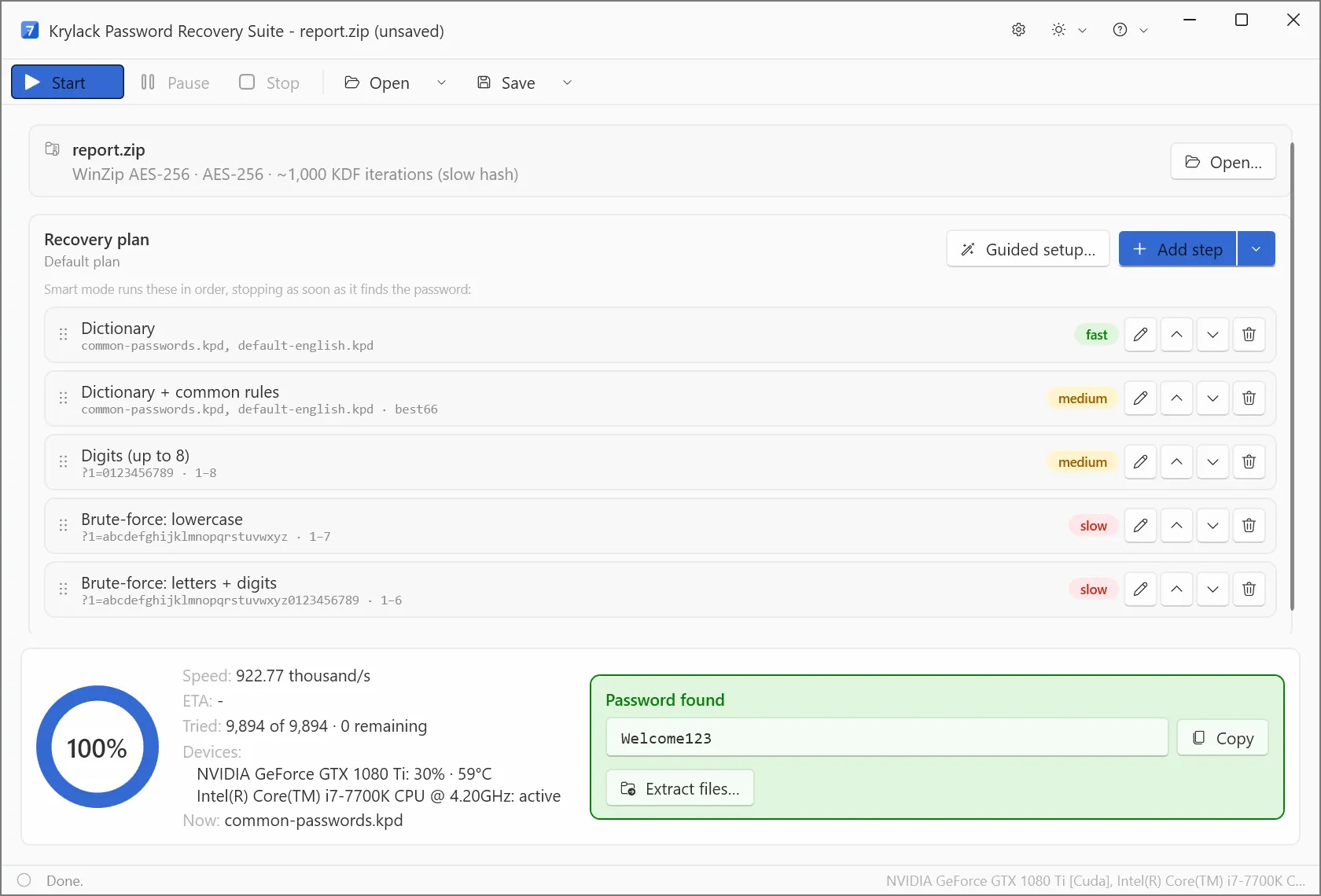
Every format in one edition
The Suite is the complete Krylack toolkit: it recovers passwords for archives, Microsoft Office documents and PDF files in a single application. It's the right choice when you deal with more than one kind of file, or simply want everything covered.
- Archives: ZIP & ZIPX (ZipCrypto and WinZip AES), RAR (RAR3/RAR5), and 7-Zip (AES-256).
- Office: Word, Excel, PowerPoint and Access, from legacy
.doc/.xlsto modern agile-AES documents. - PDF: recover a forgotten open password, or instantly remove owner/permissions restrictions from your own file.
Best value
Bought separately, the category bundles and single editions add up to far more than the Suite, so if you need broad coverage, the Suite is the obvious pick. One licence, every supported format, and free updates within the edition.
What to expect
Each format behaves as it does in its dedicated edition. Older schemes (legacy ZipCrypto, older Office, 40-bit PDF) are fast, and it always tries the most likely candidates first, so short and human-chosen passwords are very recoverable across every format. On the modern AES-based formats, GPU acceleration and the Smart and dictionary methods test far more candidates each second and reach much further. A long, truly random password on one of those formats still gets the strongest push the app can give.
Recovery methods
Dictionary, Smart (masks and patterns) and Brute-force methods are available for every format, so you can match the approach to what you remember about the password.
Frequently asked
What does the Suite include?
Every Krylack recovery edition in one application, covering ZIP, RAR and 7-Zip archives, Word, Excel, PowerPoint and Access documents, and PDF files.
Is the Suite better value than separate editions?
Yes. Bought separately, the category bundles and single editions add up to far more than the Suite, so if you need broad coverage it is the obvious pick.
Will it recover any password?
Most. Older formats are fast, and a password someone chose and can recall something about is highly recoverable because it targets those first. A long, truly random password on a modern AES format is the hard case for any recovery tool; GPU acceleration and the Smart and dictionary methods give it the best chance.