
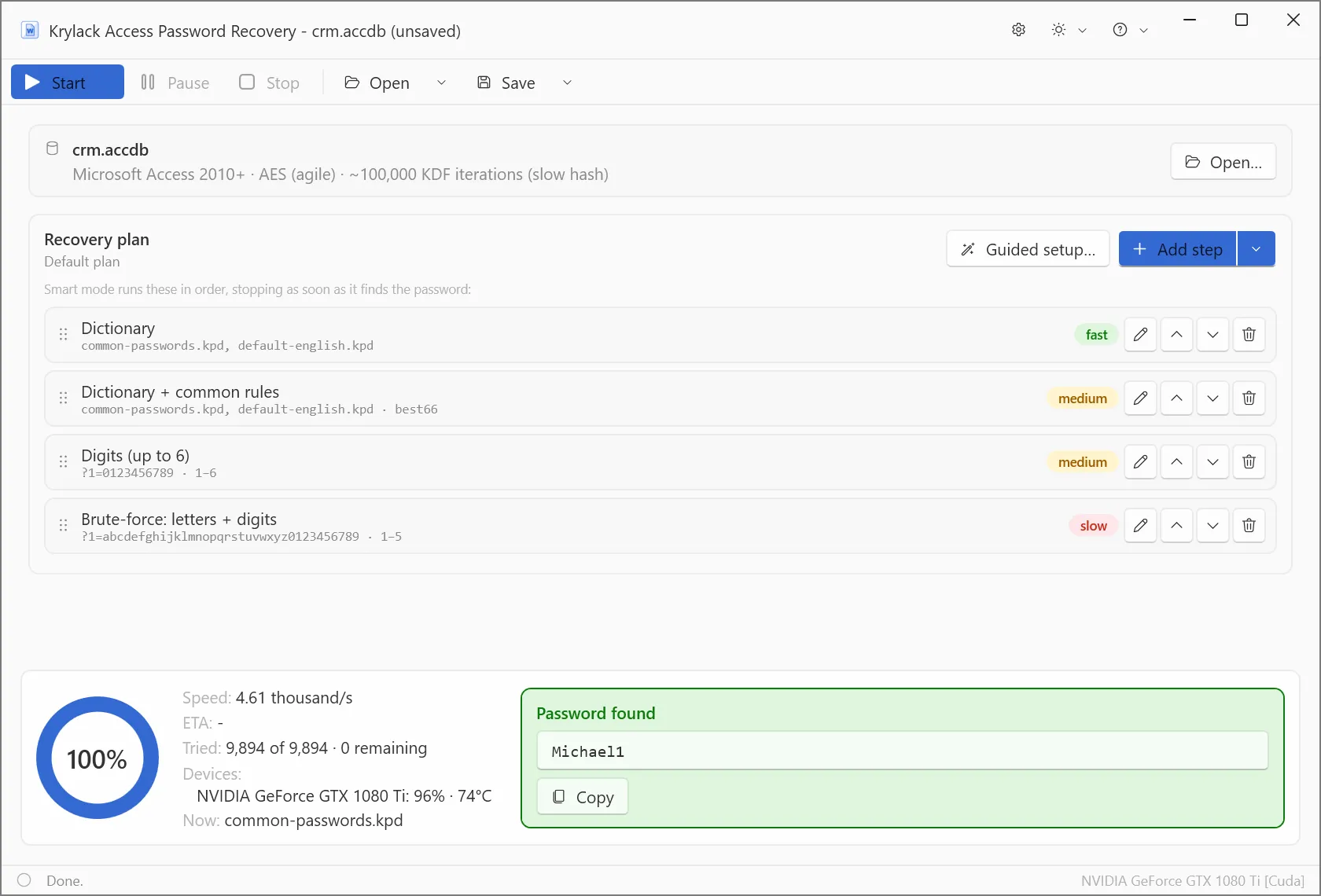
How Access password protection works
Microsoft Access has two very different database generations, and which one your file uses is the single biggest factor in how recovery goes:
- Access 97-2003 (
.mdb): the database password is stored with simple obfuscation rather than real encryption. It is recovered almost instantly, whatever the password. - Access 2010 and later (
.accdb): genuine "agile" AES-256 encryption, the same scheme as recent Office, with roughly 100,000 hashing iterations per guess. Deliberately slow, so a GPU makes a real difference.
The app detects which format your file uses and handles both.
What to expect
- Legacy
.mdbdatabases are recovered almost immediately, because their password is only obfuscated. - Modern
.accdbdatabases use slow agile AES-256, so recovery is a search: it tries the most likely candidates first, so short and human-chosen passwords come back fast, and GPU acceleration and the Smart and dictionary methods do the heavy lifting on tougher ones.
A long, truly random password on a modern .accdb still gets every advantage the app can bring.
Recovery methods
- Dictionary: real words and known password lists, with optional rules for how people modify passwords.
- Smart: masks and patterns for what you remember, such as length, a prefix, or a trailing year.
- Brute-force: every combination, best suited to short passwords.
Part of the Office range
This edition focuses on Access. If you also need Word, Excel or PowerPoint, Krylack Office Password Recovery covers all four Office apps, and the Suite adds archives and PDF as well.
Frequently asked
How do I open an Access database I'm locked out of?
Open the file in the app, choose a recovery method, and let it search for the database password. Once found, you use it to open the database in Access normally.
Is my file the older .mdb or the newer .accdb?
The app detects it for you. The .mdb format is Access 97-2003 and is recovered almost instantly, while .accdb is Access 2010 and later and uses the same strong agile AES-256 as recent Office.
Why is a legacy .mdb recovered so quickly?
A legacy .mdb stores its password with simple obfuscation rather than real encryption, so it is recovered almost immediately. Modern .accdb uses genuine AES-256, so recovery there depends on the password.