
How PowerPoint password protection works
PowerPoint has used several encryption schemes over the years, and the version your presentation was saved in is the single biggest factor in how recovery goes:
- PowerPoint 97-2003 (
.ppt): older RC4 / 40-bit encryption. Weak by modern standards, so recovery is comparatively fast. - PowerPoint 2007 (
.pptx): AES-128. Stronger, but still reasonable to search. - PowerPoint 2010: AES-128 with a heavier key-derivation step.
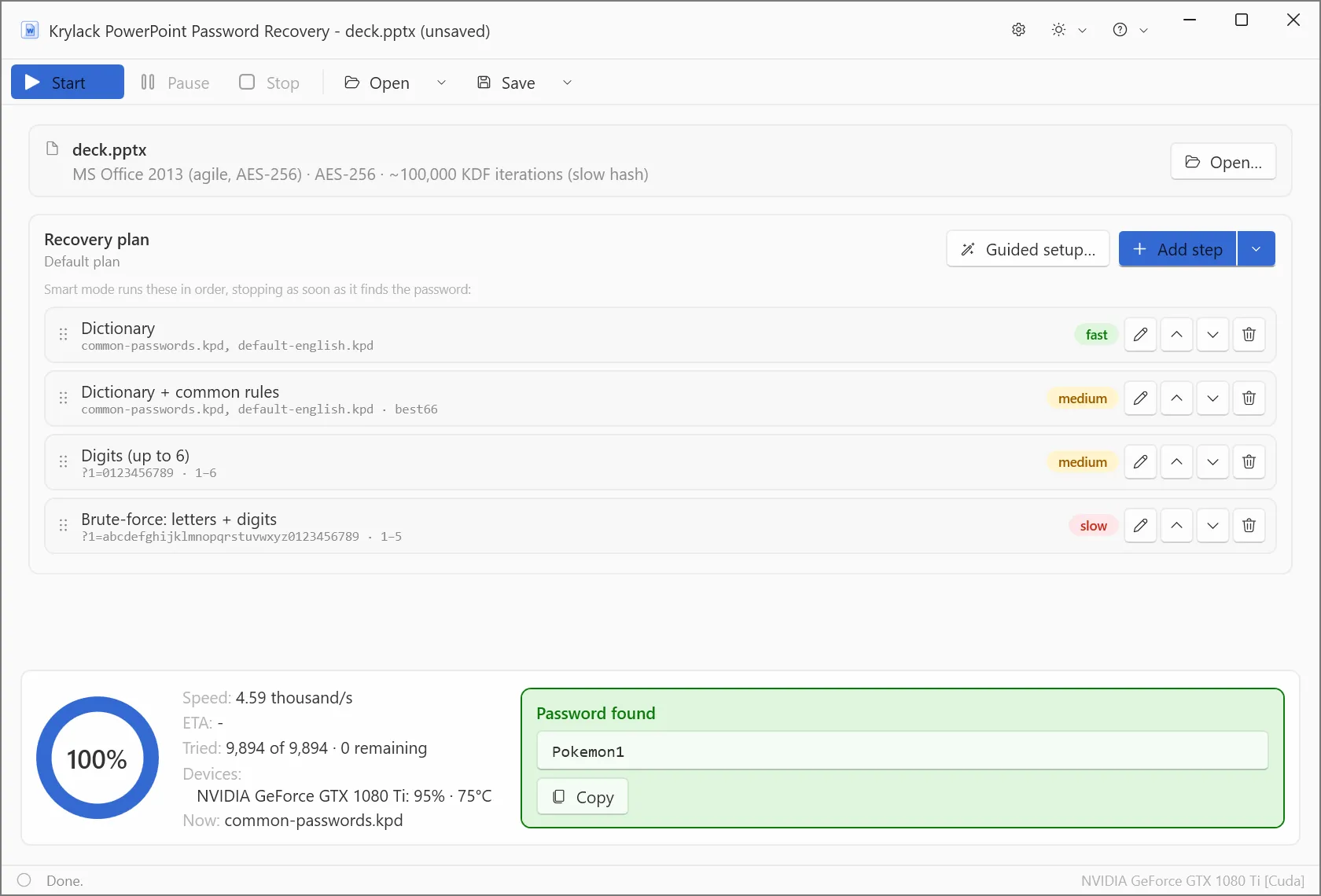
- PowerPoint 2013, 2016, 2019 and Microsoft 365: "agile" encryption with AES-256 and roughly 100,000 hashing iterations per guess. Deliberately slow, so strong passwords take far longer and a GPU makes a real difference.
The app detects which version your file uses and handles them all.
What to expect
It always tries the most likely candidates first, so short and human-chosen passwords are very recoverable across every version.
- Older
.pptpresentations are recovered quickly, often almost instantly. - 2013-and-newer
.pptxpresentations use slow agile AES-256, so this is where GPU acceleration and the Smart and dictionary methods pay off, testing far more candidates each second.
A long, truly random password on the modern agile-AES format still gets the app's full attention.
Recovery methods
- Dictionary: real words and known password lists, with optional rules for how people modify passwords.
- Smart: masks and patterns for what you remember, such as length, a prefix, or a trailing year.
- Brute-force: every combination, best suited to short passwords.
Part of the Office range
This edition focuses on PowerPoint. If you also need Word, Excel or Access, Krylack Office Password Recovery covers all four Office apps, and the Suite adds archives and PDF as well.
Frequently asked
How do I open a PowerPoint presentation I'm locked out of?
Open the file in the app, choose a recovery method, and let it search for the presentation's open password. Once found, you use it to open the file in PowerPoint normally.
Is my file the older .ppt or the newer .pptx?
The app detects it for you. As a guide, .ppt is the older, faster 97-2003 format, while .pptx is 2007 and later, with 2013 and newer being the slow, strongest kind.
My presentation opens but is marked final or read-only.
That is a separate mark-as-final or restrict-editing setting, which is different from the password that encrypts the file. This edition focuses on recovering the presentation's open password.